Customer enrollment made simple
Loyyaly builds a sign-up page for your card automatically. Share it online, in store or by QR code, and customers add the card to their wallet in a few seconds.
- One shareable sign-up link for every channel
- QR codes generated automatically
- Collect only the data you choose
Free for 15 days, no credit card required.
Everything in one place
Shareable sign-up link
One URL customers open on any phone to join. It works in WhatsApp, Instagram bios, email and your website.
QR codes built in
Download print-ready QR codes for counters, menus, receipts and posters, or show one from the Stamper App.
Flexible data capture
Ask for a name only, or add phone, email and birthday. You decide which fields appear, and customers see exactly what you collect.
Promote your digital stamp card anywhere
Share your card URL
Use the same link in email, social media, your website, pop-ups, banners, direct messages and SMS.
Let customers join with a quick scan
QR codes let customers join at the point of purchase, while they wait for their order.
Designed for in-store moments
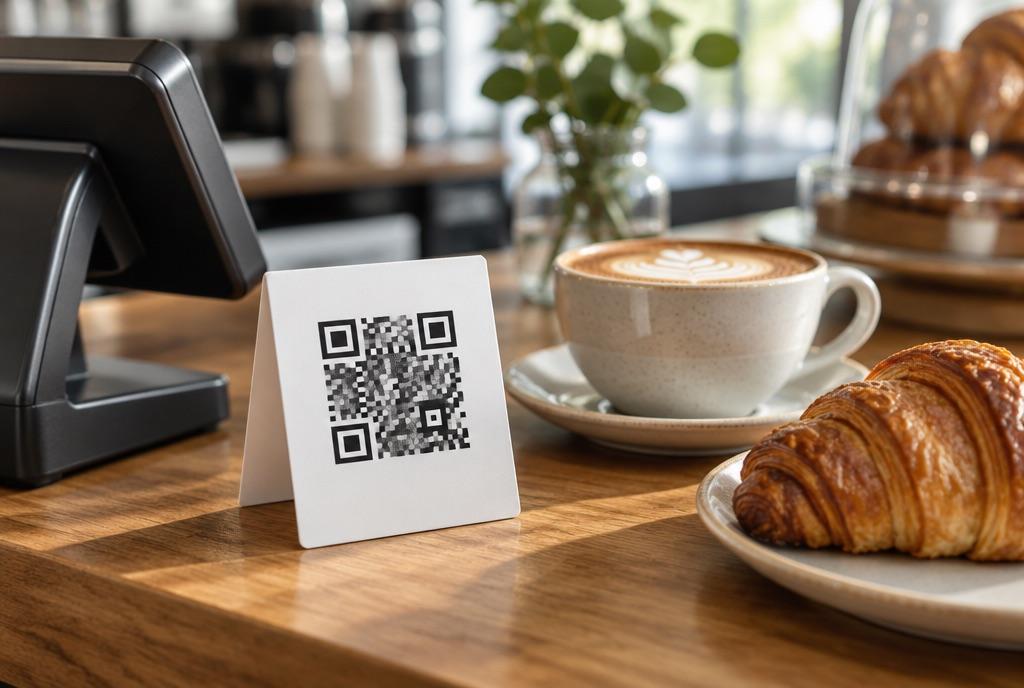
Put the QR code on POS tent cards, posters and signage, receipts and packaging, business cards and delivery bags.
Credit existing paper cards
Switching from paper? Staff can add the stamps a customer already has the first time they join, so no regular loses progress.
How it works
- 1
Share
Share the sign-up link or QR code online or in store.
- 2
Join
Customers enter the details you selected and tap Add to Apple Wallet or Google Wallet.
- 3
Start stamping
The card works immediately. There is no app to download and no account to create.
Customer enrollment: questions
Do customers need an app?
No. They join through a web link and save the card to Apple Wallet or Google Wallet, which are already on their phone.
Can I choose what information customers provide?
Yes. You control which sign-up fields appear. Many UAE cafés ask for a first name only to keep joining to a few seconds.
Does the sign-up page work on all devices?
Yes, on iPhone, Android, tablet and desktop.
Can I use both a link and a QR code?
Yes. Both lead to the same sign-up page, so you can track one campaign across every channel.
What if a customer loses their card?
They open the original sign-up link again and restore the card with its stamps and rewards.
Can I enrol customers at the counter?
Yes. Staff open the Stamper App, show the on-screen QR code, and the customer scans it to join on the spot.
Make your loyalty program easy to find and join
Create your card, download the QR code and start enrolling customers today.