Reach customers instantly, right from their lock screen
Send timely messages through the digital card in your customers' wallets. Announce offers, fill quiet hours and bring regulars back, without email, SMS or a separate app.
- Messages appear on the lock screen
- Delivered to Apple Wallet and Google Wallet cards
- Sent from the dashboard in seconds
Free for 15 days, no credit card required.
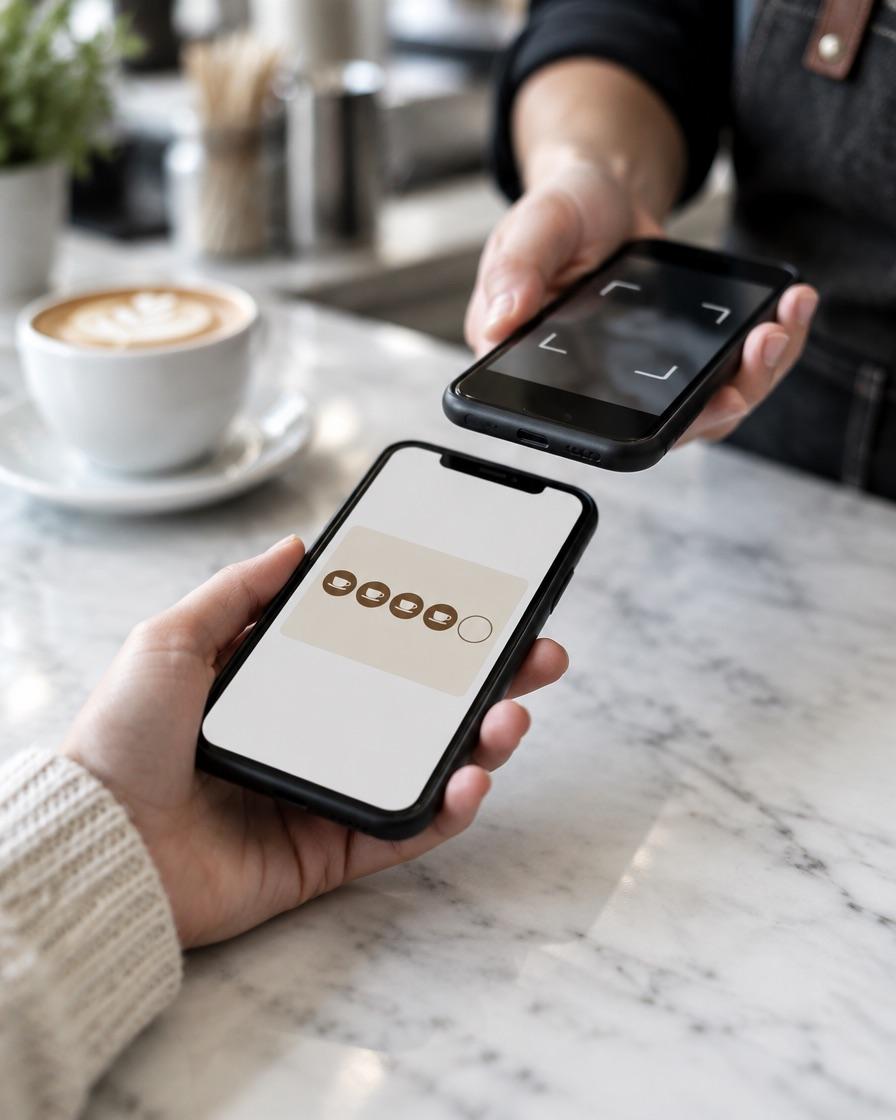
Smart messaging built into loyalty
Choose who hears from you, straight from the dashboard.
Send to everyone
Broadcast a Ramadan offer, a new menu or a weekend event to your whole customer base.
Target segments
Message customers by stamp count, rewards earned or redemption behaviour. For example, everyone one stamp away from a reward.
One-to-one messages
Send a personal note to a single customer, such as a thank-you to a regular.
Messages that feel personal
Customers with zero stamps
A gentle nudge to make a first visit count.
Customers close to a reward
The highest-converting message you can send: "One more coffee and the next one is free."
Customers who have not redeemed
Remind them a reward is waiting on their card.
High-value repeat visitors
Early access to new products or a private offer.
Wallet-first delivery
Lock-screen notifications
On iPhone, messages appear on the lock screen the moment they are sent.
Stored on the card
Every message is kept on the back of the card and under Latest updates in Google Wallet, so it is never lost in an inbox.
Location-based messages
Set a message per location and it appears automatically when a customer is nearby. No manual sending, no interruption.
Delivered in seconds
Push messages typically arrive within 20 to 30 seconds.
How it works
- 1
Choose an audience
All customers, a segment or a single customer.
- 2
Write a short message
Under 90 characters reads best on a lock screen.
- 3
Send
Messages arrive within seconds and stay on the card.
Smart messaging: questions
Do customers need to install an app?
No. Messages are delivered to the card in Apple Wallet or Google Wallet.
How fast is delivery?
Typically within 20 to 30 seconds of sending.
Can I target specific customers?
Yes. Send to everyone, a segment based on stamps and rewards, or an individual.
Why might a customer not receive a message?
Lock-screen notifications need the card installed in Apple Wallet with notifications allowed. Google Wallet users still see every message inside the card.
What is the difference between push and location-based messages?
Push messages are sent on demand from the dashboard. Location-based messages appear automatically when a customer is near one of your locations.
Is there a length limit?
Lock-screen messages work best under 90 characters. Longer messages are kept in full on the card.
Turn loyalty into repeat visits
Create your card and send your first message to every customer who saves it.